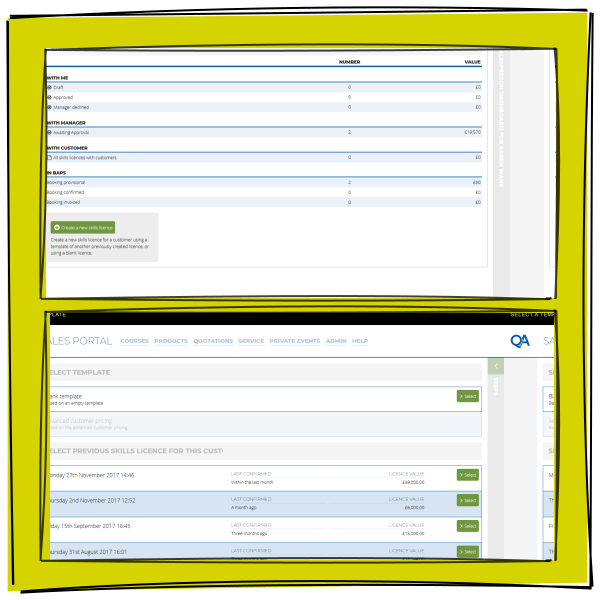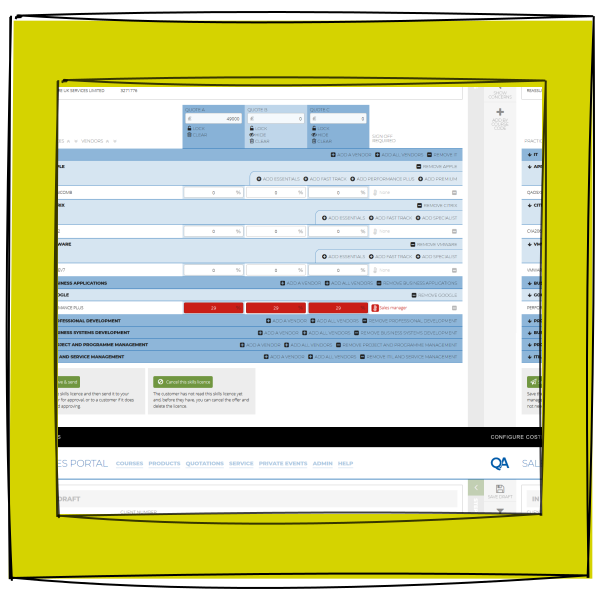
On The QA Sales Calculator project, I was taking a grab bag of Internal Excel Documents, in office hand cranked processes, and in-the-know tricks of the trade, and making them into a functioning App. For me, this is a typical digital transformation project where the practical needs outweigh the desire for planned perfection.
QA's foresight gave some scope for improvement, so I set about talking to Sales Professionals who used the system, and Stakeholders who wanted to be represented by it, to find out what problems could be solved while the team modernised the existing way of working.
Carrying out User Experience interviews with the Sales Professionals, they highlighted a problem when a sale needed approval from Sales Management, and there was a delay in that process. This was a fundamental step in the process, but the delay could cause a hot sale lead to go cold.
The QA Sales Calculator allowed for discount to be offered by Sales Professionals across up to thousands of products. The Sales Professional would agree those discounts with potential customers, but greater discounts required Management sign-off. The existing way of working was tied to desktops, and in an increasingly mobile world, we had an opportunity to streamline this process. This streamlining was the guiding principle that informed the experience which our users would have.
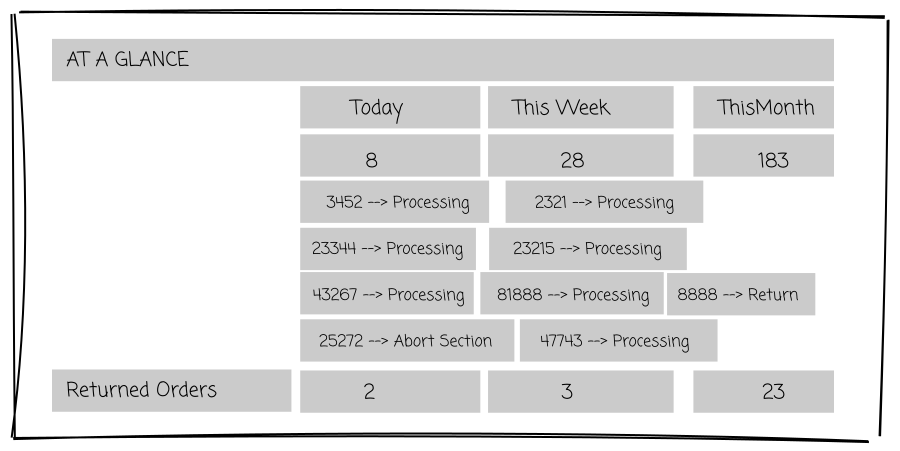
That experience could be intensive, and I had a remit to not lose any of the functionality of Sales Professionals used in Excel, so the User Experience Journey had to summarised and present a lot of data in a way which gave exact information in a digestible format.
My principles worked their way through the project, influencing developers to ask if the information they showed was both useful, and displayed in the best possible format. This simple principle animated the team, empowering them to work with me to come up with solutions that resulted in a product that allowed a faster workflow, and an increase in sales by around 150%, with fewer administrative hours spent processing and more spent selling.